Written by Matkustelu.fi
Offline maps, translators, currency converters and accommodation finders — 12 tested apps that belong on every traveller's phone in 2026.
In 2026, the smartphone is the traveller's most important tool — but only if it has the right apps installed before you leave. Wasting your launch on lousy airport Wi-Fi is the worst possible start. Here are 12 apps I actually use on every trip.
Maps and navigation
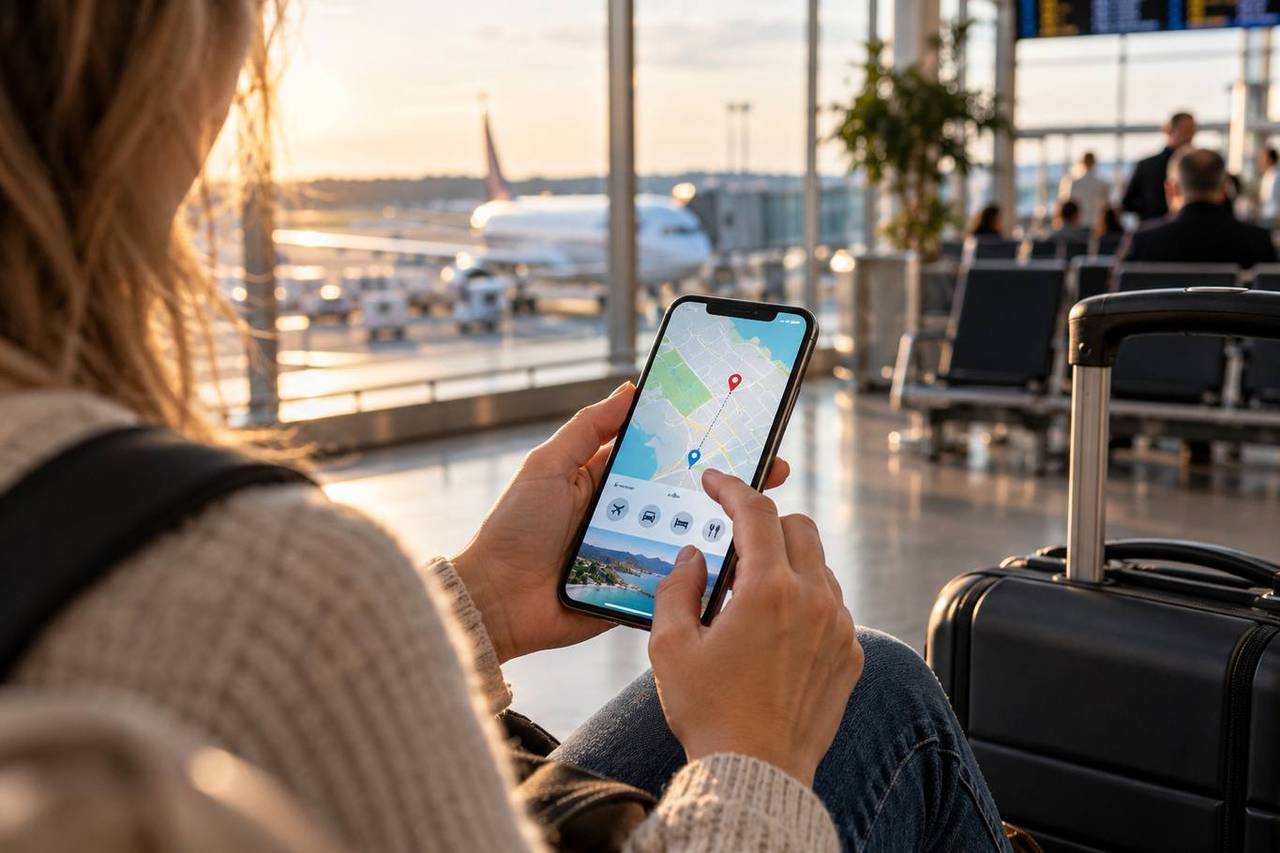
Google Maps is still king — but download offline areas at home before leaving (iOS/Android: search the destination, tap the name, choose 'Download offline map'). Maps.me or Organic Maps are better for hiking and remote areas, as they use OpenStreetMap, which is often more accurate in small villages. Citymapper wins on public transport routing in London, Paris, Berlin and dozens of other metros.
Translation and communication
Google Translate now supports 130 languages, and the camera feature translates signs and menus in real time. Download language packs offline before the trip. DeepL is better at translation quality in European languages — use it for important conversations. WhatsApp is effectively the global standard — local guides, hosts and taxi drivers communicate through it.
Accommodation and transport
Booking.com and Hostelworld are the most reliable, and both offer offline access to your bookings. Airbnb is worth opening only after comparing hotel prices — on long trips an apartment with a kitchen can pay for itself. Rome2Rio shows every option between two points: flight, train, bus, ferry and estimated costs. Bolt and Uber are reliable in most major European and Asian cities.
Money and finance
Wise (formerly TransferWise) is by far the best way to withdraw money abroad — real exchange rates and a small ATM fee are a fraction of bank prices. Revolut offers the same plus an analytics view of where your money went on the trip. XE Currency converts currencies offline using once-downloaded rates. Compare destination price levels with our comparison tool.
Flights and itineraries
TripIt automatically gathers all booking confirmations from your inbox (flights, hotels, car rentals) into a single timeline. This has saved me more times than I can count — especially when a flight changes. App in the Air tracks your flight status in real time and notifies you of gate changes. FlightRadar24 is fun entertainment but also useful when you want to know where your plane really is.
Safety and health
Finland's 112 Suomi doesn't work abroad, but TripWhistle Global SOS shows local emergency numbers and your location. The Finnish Foreign Ministry's Travel notification app is essential for crisis situations. Read also our health while travelling guide and remember travel insurance.
Content and entertainment
Spotify, Netflix and Audible are essentials for long flights — download content offline before leaving. Spotify's 'Available Offline' is the best companion on a flight. Kindle beats a paper book: 200 books in one device with battery life of weeks.
Avoid unnecessary apps
Don't download dozens of niche apps: Google Maps + Booking + Wise + Translate + WhatsApp covers 80 % of travellers. Too much choice creates decision fatigue and drains the battery. Also check our packing list — a power bank is as important as the apps themselves.
Final tips: set your phone's lock screen to show 'In case of emergency' info in English, get a local eSIM (Airalo has worked flawlessly), and back up your phone to the cloud before leaving. Losing the phone isn't a disaster if everything important is synced.
Prepare your phone before departure
Do these five things at home while the connection is fast: download offline maps of your destination cities, save boarding passes and hotel confirmations to your phone wallet, download translation languages for offline use, back up photos to the cloud and update the operating system. Also screenshot your passport, insurance certificate and key bookings — a screenshot works even with no connection at all. Set a data cap if you travel on roaming, so one background sync doesn't eat the whole package.
Battery and security
Batteries drain faster on the road than at home, because navigation, the camera and constant network searching all draw power. A power bank (10,000 mAh covers two full charges) is the cheapest way to avoid your map dying in an unfamiliar city. On public Wi-Fi, use a VPN whenever you log in to online banking, and turn off automatic network joining. Enable device tracking, remote wipe and two-factor authentication on your key accounts — a stolen phone is annoying, but a stolen account is far worse.
Read next
Buying local data is explained in the eSIM guide, spending abroad in Revolut vs Wise and the rest of your kit in the complete packing list.
Written by Matkustelu.fi
Published 11.5.2026
The Matkustelu.fi editorial team curates travel information and planning tips. Always verify changing rules, prices and timetables with the original sources.